

Download Usenet Explorer – Usenet, search, download, content, organize, security, encryption, privacy, file management, productivity, tool, utility, mobile app, Android, iOS
Overview
Usenet Explorer is a mobile application designed to enhance the usability and efficiency of Usenet access on smartphones and tablets. It serves as a centralized tool for users seeking to search, download, and organize digital content across Usenet networks with greater control and convenience. The app is tailored for individuals who rely on Usenet for accessing large files, including media, software, and archived data, offering a streamlined interface that simplifies what can otherwise be a complex process. Its primary purpose is to improve accessibility and user experience, particularly for those managing multiple downloads or maintaining organized digital libraries.
Target users include both casual and advanced Usenet users, especially those who value privacy, speed, and structured content management. The app is particularly beneficial for individuals who use Usenet for media consumption, software distribution, or archival purposes. While the developer, Usenet Explorer, has not provided additional background on their company or development history, the app’s feature set suggests a focus on performance, security, and usability. Real-world use cases include downloading large video files, organizing personal media collections, and managing ongoing downloads across multiple servers.
Within the mobile app ecosystem, Usenet Explorer fills a niche by offering a dedicated, feature-rich client for a platform traditionally accessed via desktop software. Its availability on both Android and iOS makes it accessible to a broad audience. The app’s free pricing model further enhances its appeal, lowering the barrier to entry for new users exploring Usenet capabilities on mobile devices.
Key Features & Functionality
Usenet Explorer delivers a suite of tools specifically engineered to optimize the Usenet experience on mobile platforms. The app’s powerful search function enables users to locate specific content in seconds, leveraging access to multiple Usenet servers simultaneously. This multi-server capability increases the likelihood of finding desired files and reduces dependency on a single source. Search results can be grouped and filtered, allowing users to maintain a clear, structured view of their findings, which is especially useful when managing large volumes of data.
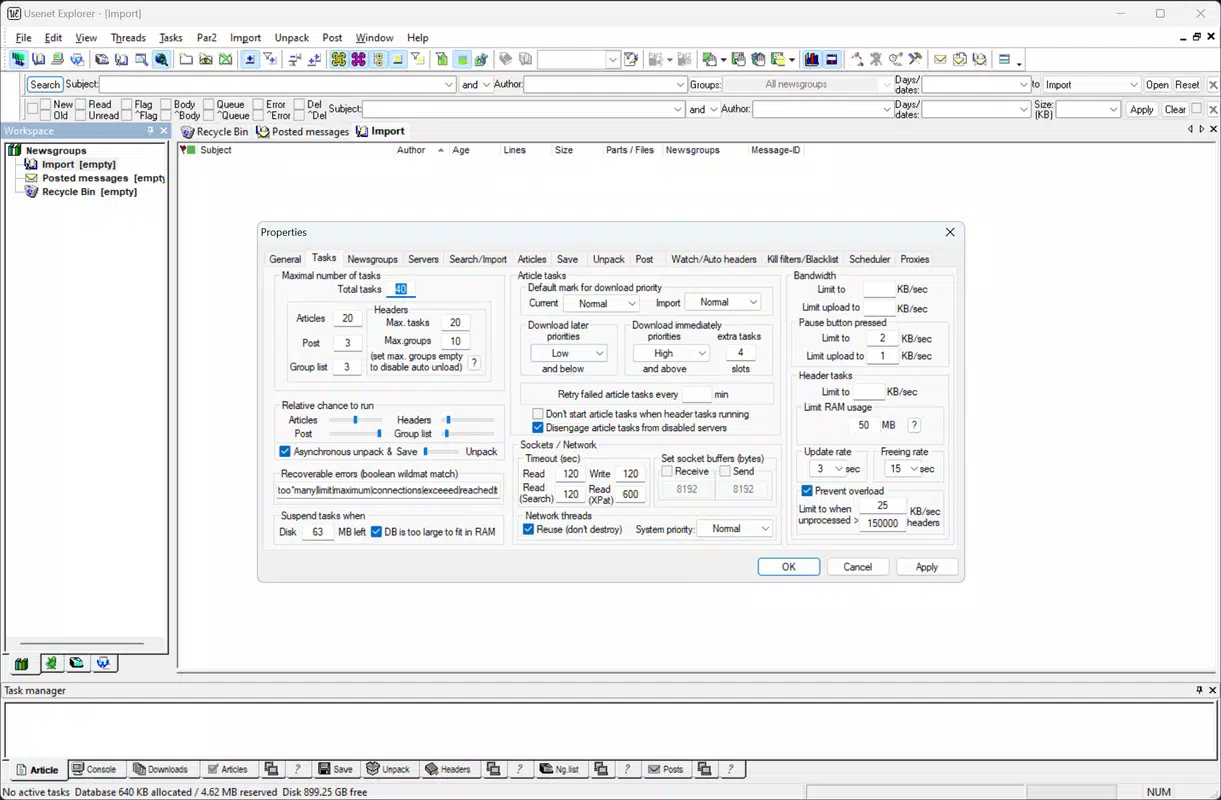
Download management is a core strength of the app. Users can customize download speed, set priority levels for different files, and configure automatic retry settings in case of connection interruptions. The automatic download function supports continuous downloads of selected files, ideal for long-term or scheduled transfers. This functionality ensures that users can maintain uninterrupted access to their content, even when network conditions fluctuate.
Security is prioritized through advanced encryption options, including SSL encryption, which safeguards data in transit and protects user privacy. Privacy controls allow users to set passwords and restrict access, making the app suitable for shared devices. Content organization tools include filtering and search features tailored for large libraries, enabling quick retrieval of downloaded files. These tools collectively enhance productivity by minimizing time spent on manual file tracking.
- Powerful multi-server search engine for rapid content discovery
- Customizable download speed and priority settings
- Automatic retry and continuous download functionality
- SSL encryption for secure connections
- Password protection and access control
- Advanced filtering and search for organized content libraries
Interface, UX & Performance
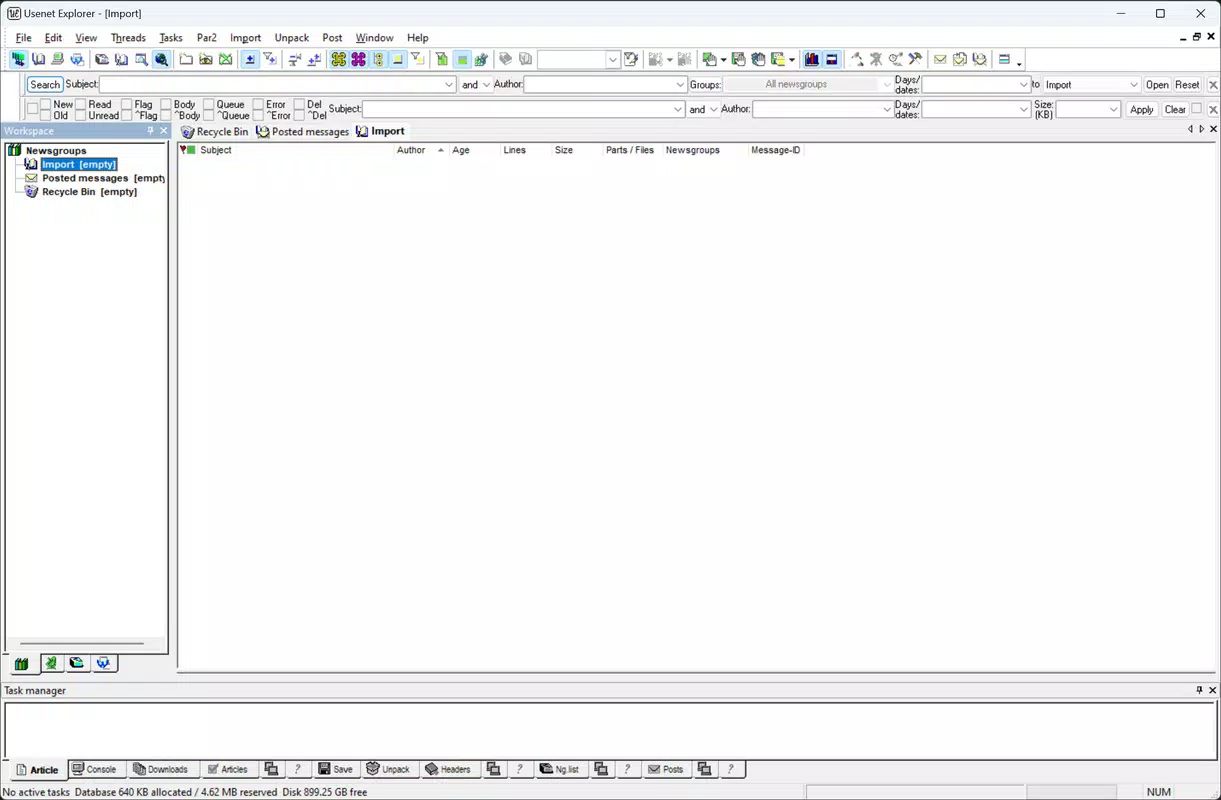
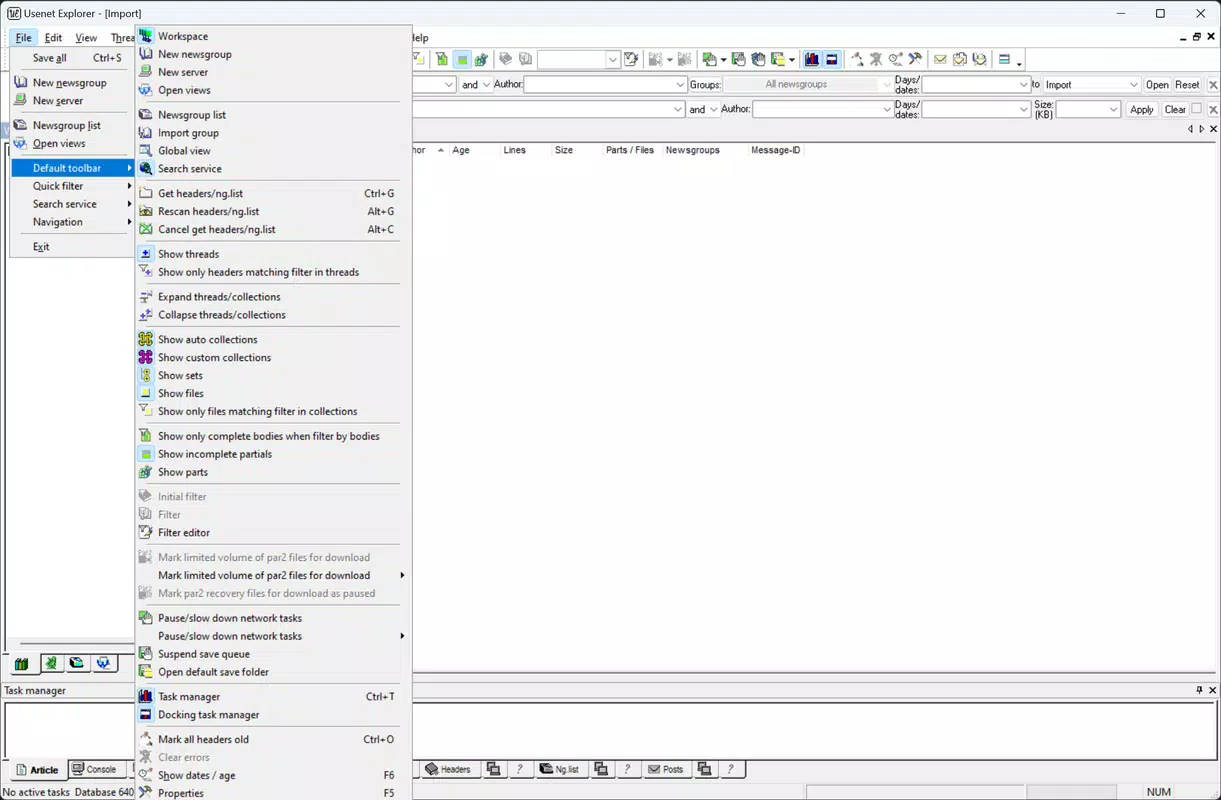
Usenet Explorer features a user-friendly interface designed for intuitive navigation across its core functions. The layout is clean and logically structured, with clearly labeled sections for search, downloads, and settings. This visual clarity ensures that both novice and experienced users can quickly locate essential tools without confusion. The app’s navigation flow is straightforward, minimizing the number of taps required to perform common tasks such as initiating a search or managing a download queue.
Performance is optimized for mobile environments, though the developer did not list formal performance metrics. The app operates smoothly within typical device categories, maintaining responsiveness during active searches and downloads. Stability is evident in the consistent handling of connection interruptions and retry mechanisms, which contribute to a reliable user experience. The interface remains responsive even when managing multiple downloads simultaneously, indicating efficient background processing.
Although the developer did not specify minimum OS requirements or detailed technical specifications, the app’s 24.5 MB size suggests a lightweight footprint, which supports efficient operation on a range of devices. The absence of reported crashes or performance issues in available documentation indicates a stable build. Users can expect consistent performance across both Android and iOS platforms, with minimal impact on device resources during active use.
Platform Compatibility & Technical Requirements
Usenet Explorer is available on both Android and iOS platforms, offering broad accessibility to users across major mobile ecosystems. The app is designed to function on devices running the latest versions of these operating systems, though specific version requirements were not disclosed by the developer. This lack of detailed information means users should ensure their device is up to date to avoid potential compatibility issues.
The application has a file size of 24.5 MB, which is relatively compact for a feature-rich utility app. This size suggests optimized code and minimal bloat, contributing to faster installation and reduced storage usage. The app is currently offered at no cost, with a free pricing model that removes financial barriers to entry. While the developer did not provide additional technical details such as RAM or processor requirements, the lightweight nature of the app implies compatibility with mid-range and high-end smartphones and tablets.
Specific requirements were not listed. The developer did not specify minimum OS requirements. Compatibility information was not fully disclosed.
Pros and Cons
Pros
- Free to download and use, reducing access barriers
- Supports both Android and iOS platforms
- Powerful multi-server search engine for fast content discovery
- Customizable download settings with automatic retry options
- Advanced security features including SSL encryption and password protection
- Intuitive interface suitable for users of all experience levels
- Efficient file organization tools for managing large libraries
Cons
- Specific OS version requirements were not provided
- Developer background and company details were not disclosed
- No public information on update frequency or support policy
- Performance metrics were not shared
- Limited visibility into long-term maintenance plans
FAQ
Is Usenet Explorer safe to use on mobile devices?
Yes, the app includes SSL encryption and privacy controls such as password protection, which help safeguard user activity and data. However, users should ensure their Usenet provider supports secure connections for maximum protection.
Can I use Usenet Explorer on both Android and iOS?
Yes, the app is available on both Android and iOS platforms, allowing users to access their Usenet accounts across different mobile devices.
Does Usenet Explorer require a paid Usenet subscription?
While the app itself is free, access to Usenet content typically requires a subscription with a Usenet provider. The app does not include a subscription service.
How often does Usenet Explorer receive updates?
The developer did not disclose update frequency. Users should check the app store for the latest version and release notes.
Is the app secure for downloading files from Usenet?
Usenet Explorer supports SSL encryption and access controls to enhance security. However, users should exercise caution when downloading files from unverified sources and ensure their device has up-to-date antivirus protection.
Final Thoughts
Usenet Explorer stands out as a powerful, free mobile tool for anyone looking to streamline their Usenet experience. Its combination of advanced search, customizable download management, and robust security features makes it a valuable utility for both new and experienced users. The app’s clean interface and efficient organization tools enhance productivity, enabling users to manage large content libraries with ease.
While some technical details remain undisclosed, the app’s lightweight design, cross-platform availability, and focus on user control make it a strong contender in the mobile productivity space. For individuals who rely on Usenet for media, software, or archival purposes, Usenet Explorer offers a practical, secure, and user-friendly solution.
Download Usenet Explorer now


